Overview
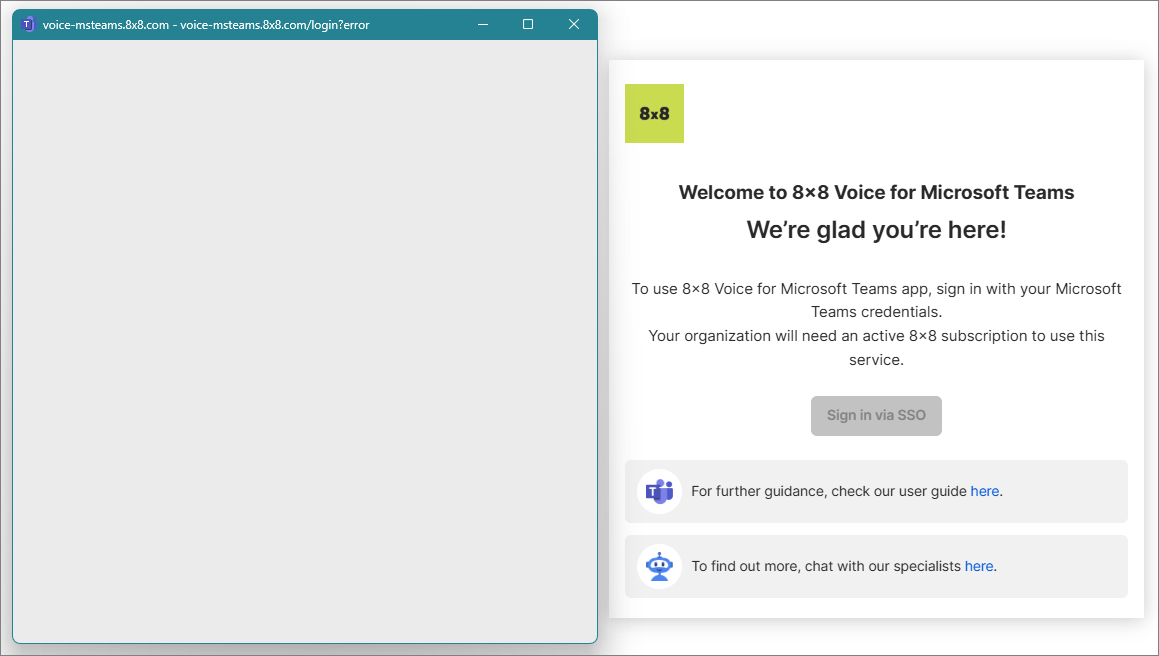
This article provides a solution to an issue of the 8x8 Teams App add-in appearing blank or otherwise displaying an error in the Microsoft Teams client when:
The user logs into the 8x8 Teams App with valid Microsoft credentials.
And the user has confirmed that the issue does not exist in the Microsoft Teams Web or Mobile applications.
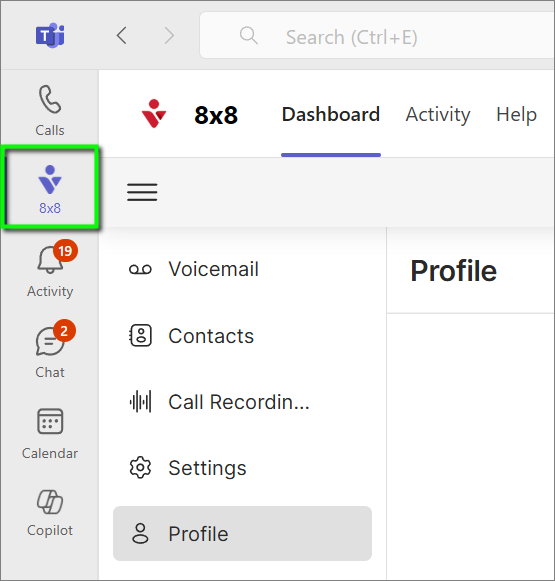
Working Example:
Issue Example:
Applies To
8x8 Voice for Teams
8x8 Teams App (Add-in)
Microsoft Teams
Cause
This issue is likely to be caused by a corrupted Microsoft Teams client cache on the user's computer.
Resolution
Clearing the Microsoft Teams client cache on the user's computer may solve this issue, and can often resolve other issues, as well.
For instructions, please see Microsoft's guidance in this external Microsoft article: